
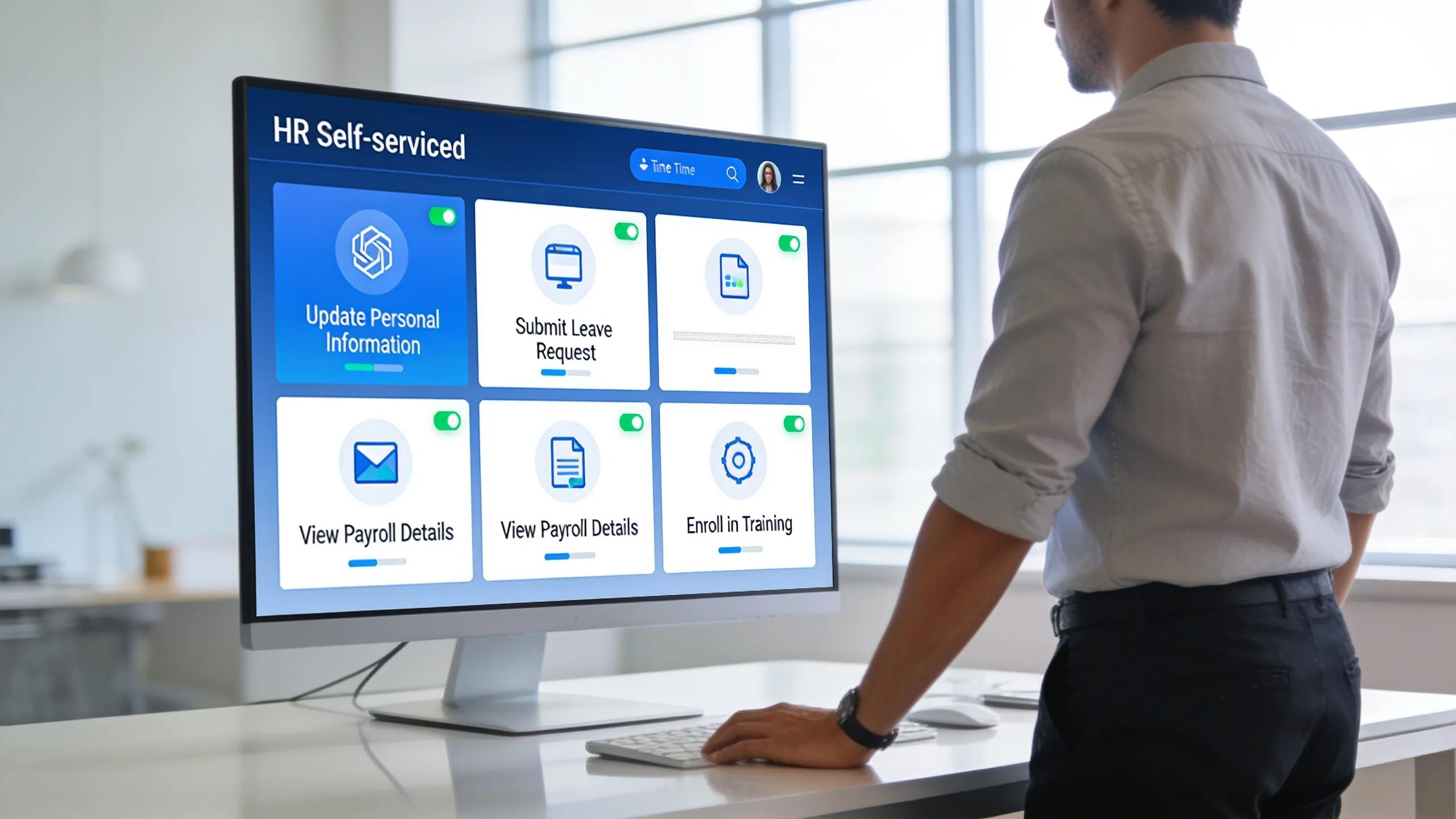
Employee Self-Service Portal Setup Guide — Streamline Payroll, Onboarding, and HR Operations
By Josh Henderson, Denali HR
Setting up an Employee Self-Service (ESS) portal is essential for organizations that want faster payroll, smoother onboarding, and more efficient HR operations. This guide covers the portal’s core capabilities, step-by-step setup, compliance considerations, and common pitfalls—so you can empower employees while reducing HR’s administrative workload.
Issues like slow onboarding, payroll errors, and regulatory risk can be dramatically reduced with a well-designed ESS portal. Below, we outline how to plan, launch, and manage an ESS system, including features that improve employee experience and tactics to scale as your organization grows.
What Are the Key Features of an Employee Self-Service Portal?
An Employee Self-Service portal brings together tools that simplify HR workflows and make life easier for employees. Typical capabilities include streamlined onboarding, self-managed personal data, payroll visibility, and centralized access to HR resources. Together, these features reduce manual work and let staff handle routine tasks directly and securely.
How Does Payroll Access Improve Employee Experience?
Giving employees direct access to payroll details through an ESS portal improves transparency and trust. Team members can view pay stubs, update tax and bank information, and confirm deductions in real time. That autonomy improves data accuracy, reduces routine HR requests, and boosts engagement by putting control over personal HR data in employees’ hands.
What Onboarding Tools Does the Portal Provide?

Onboarding tools in an ESS portal typically include digital document workflows, training schedules, and task tracking. These features let new hires complete paperwork, access orientation materials, and track assigned tasks from day one. The result is a smoother, faster onboarding experience that helps employees become productive sooner.
How to Set Up Your Employee Self-Service Portal Efficiently
Efficient ESS setup starts with clear planning and phased execution. Assess your needs, choose a platform that fits your workflows, integrate payroll and HR systems, and prioritize usability for every role. The goal is a secure, intuitive portal that quickly reduces administrative friction.
What Are the Step-by-Step Instructions for Portal Configuration?
To configure your ESS portal effectively, follow these essential steps:
- Needs assessment: Identify the HR functions you need the portal to support and document integration points with existing systems.
- Platform selection: Choose a user-friendly solution that supports mobile access, cloud deployment, and the specific features your team requires.
- Customization: Align the portal’s interface, workflows, and notifications with your company branding and HR processes.
- Employee training: Run targeted training sessions, demos, and provide job aids so staff can use payroll and onboarding features confidently.
- Launch and monitor: Roll out the portal, collect usage data and user feedback, and iterate to remove friction points.
Following these steps helps you deploy a robust ESS portal that delivers measurable HR efficiency gains.
Which Best Practices Ensure Smooth Payroll and HR Integration?
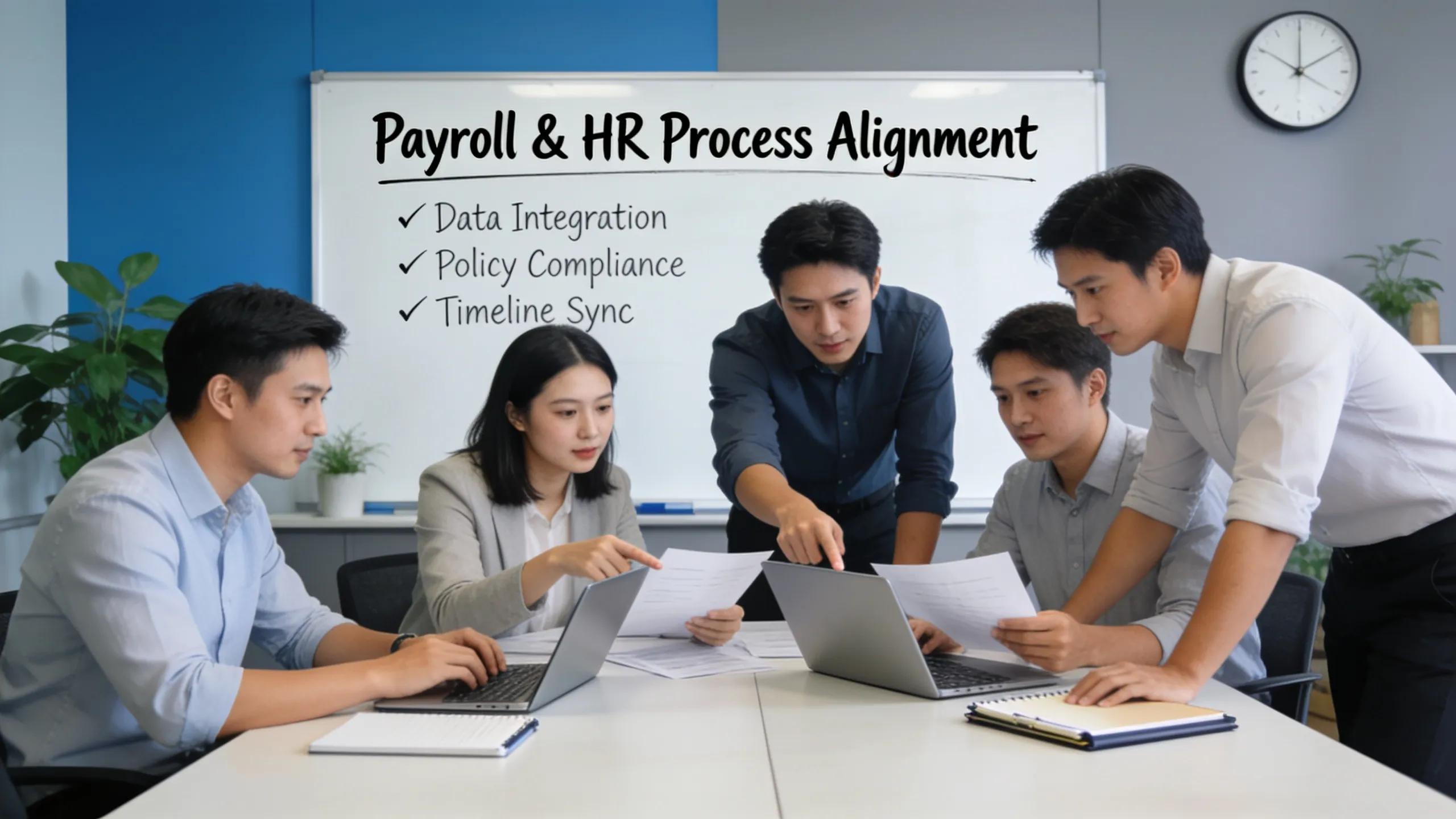
Integrating payroll with your ESS portal works best when guided by a few core practices:
- Regular data audits: Schedule periodic checks to keep records accurate and meet regulatory requirements.
- User role management: Define clear access levels and permissions to protect sensitive payroll and HR data.
- Automated updates: Use tools that sync employee information automatically between payroll and HR systems to reduce errors and manual work.
These measures improve payroll reliability and help maintain compliance with state and federal rules.
How Does the Portal Support Compliance and Risk Reduction?
An ESS portal centralizes documentation and enables automated controls that reduce compliance risk. By keeping records organized and auditable, these systems make it easier to meet regulatory obligations and respond quickly to audits or inquiries.
What Compliance Requirements Does the ESS Portal Address?
- Data privacy regulations: Secure storage and access controls help meet GDPR and similar privacy standards.
- Payroll compliance: Automated payroll workflows and up-to-date tax settings support adherence to federal and state payroll laws.
- Documentation retention: Digital records simplify retrieval for audits and compliance reviews, saving time and reducing risk.
Meeting these requirements helps organizations reduce exposure to fines and legal challenges tied to HR operations.
How Does the Portal Reduce Regulatory Risk?
Portals reduce regulatory risk with role-based access controls, encryption, and activity logging that limit and track who views or changes employee data. Built-in audit trails and reporting make it easier to spot anomalies and take corrective action before small issues become major problems.
Integrating ERP-grade auditing tools with your ESS portal ensures continuous oversight and faster remediation when compliance gaps appear.
What Common Issues Arise During Employee Portal Setup and How to Troubleshoot Them?
Typical challenges during ESS rollout include access problems, data mismatches, and integration errors. Anticipating these issues and preparing clear resolution steps keeps deployment on track.
How to Resolve User Access and Permission Problems
To tackle user access and permission problems:
- Role clarity: Map roles to permissions so every user has only the access they need.
- Testing access: Run comprehensive access tests before launch to catch configuration gaps.
- Continuous feedback loop: Create channels for users to report access issues and accelerate fixes.
These proactive steps help ensure employees can reach the right areas of the portal from day one.
What Steps Address Payroll Synchronization Errors?
To address payroll synchronization errors efficiently:
- Data verification: Regularly confirm that portal records match payroll system requirements and source documents.
- Integration checks: Validate integrations in a test environment before full deployment to catch mapping and format issues.
- Documentation of anomalies: Keep a log of sync errors and resolutions to identify patterns that require systemic fixes.
Following these practices reduces payroll discrepancies and supports steady operations.
How Can Businesses Scale Their Employee Self-Service Portal for Growth?
As your organization grows, plan for scalable ESS solutions that adapt to more users, locations, and evolving HR needs. Scalability starts with architecture and continues through feature planning and governance.
What Are the Strategies for Managing Increasing Workforce Needs?
To manage a growing workforce, consider these strategies:
- Cloud-based solutions: Adopt cloud ESS platforms that scale without heavy infrastructure changes.
- Modular features: Use modular components you can enable or disable as needs change.
- Continuous improvement: Regularly review usage and add features that increase efficiency and engagement.
These approaches keep the portal aligned with growth while preserving performance and usability.
How Does Technology Support Scalable HR Solutions?
Technology enables scalable HR by offering remote access, analytics, and smarter communication. AI-driven chatbots provide 24/7 answers to common employee questions, reducing repetitive tasks for HR. Advanced analytics reveal trends that guide staffing and development decisions.
Together, these tools make it easier to raise service levels during rapid growth and lay the groundwork for continuous HR improvement.
Frequently Asked Questions
What training should employees receive on the Employee Self-Service portal?
Training should cover navigation, payroll access, onboarding tasks, and common self-service functions. Offer interactive tutorials, live demos, and short reference guides. Repeat training after major updates and provide on-demand help so employees remain confident using the portal.
How can an Employee Self-Service portal enhance employee engagement?
An ESS portal increases engagement by giving employees more control over schedules, benefits, and development resources. Easy access to information and built-in feedback tools encourage ownership and two-way communication, strengthening connection to the organization.
What security measures are important for an ESS portal?
Key security measures include multi-factor authentication, encryption of data in transit and at rest, role-based access controls, and regular security audits. Keeping software up to date and following privacy regulations builds trust and protects employee information.
How does an ESS portal impact compliance with labor regulations?
An ESS portal supports compliance by centralizing timekeeping, automating payroll calculations, and securely retaining employment records. Having a single, auditable source for policies and training documentation makes it easier to demonstrate regulatory adherence and avoid penalties.
Can an ESS portal assist in employee feedback and performance reviews?
Yes. Many ESS portals include performance tools for self-assessments, goal tracking, and feedback collection. These features streamline reviews, give managers better context, and support continuous development conversations.
What are the costs involved in implementing an Employee Self-Service portal?
Costs vary by software choice, customization level, integrations, and scale. Budget for licensing, implementation, integration work, and training, as well as ongoing maintenance and support. Compare these expenses to expected efficiency gains and long-term savings when evaluating ROI.
About the Author
This article was reviewed by Josh Henderson, Founder of Denali HR. Denali HR, based in Salt Lake City, Utah, provides payroll services, employee benefits administration, HR support, and risk management solutions for small and mid-sized businesses. Founded in 2019, the company focuses on delivering personalized HR support without the complexity of large PEO providers.